

Descrizione
Turbo Addons is your all-in-one toolkit for elementor page builder — featuring powerful widgets, WooCommerce, and 200+ ready templates. Build fast, responsive, and professional WordPress websites with ease.
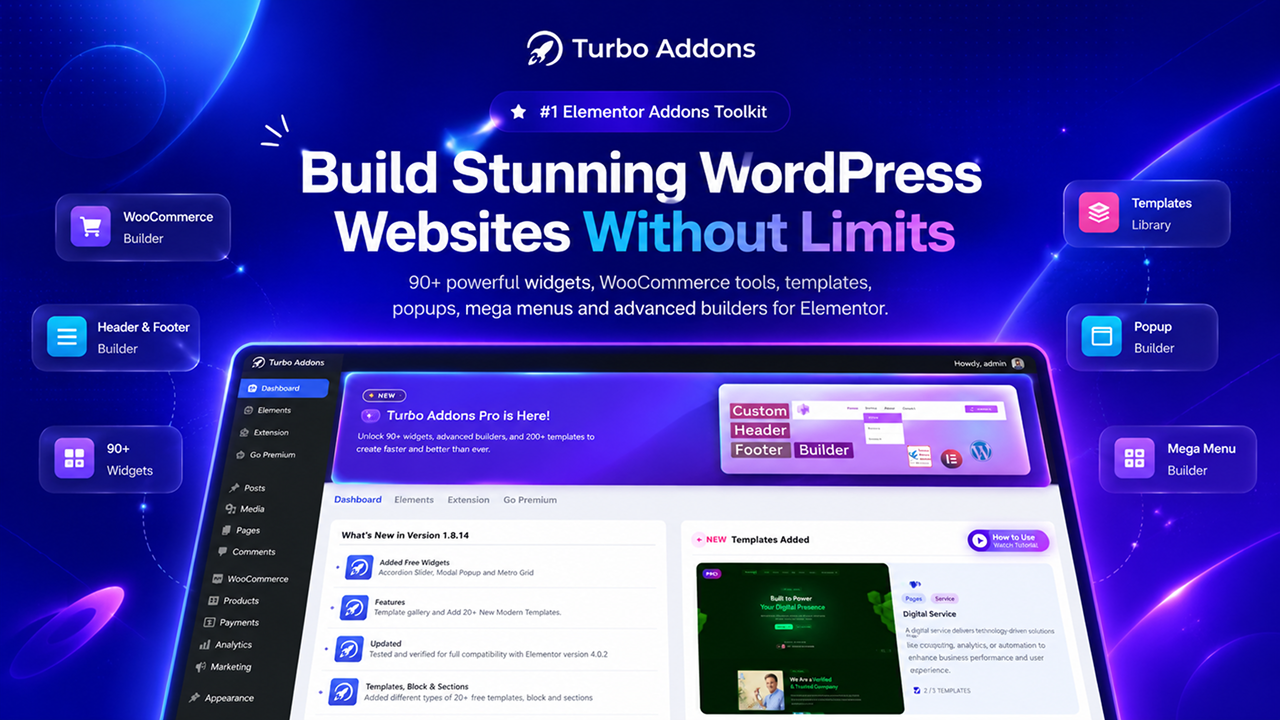
TURBO ADDONS ELEMENTOR HAS 90+ ADVANCED FREE AND PRO ELEMENTOR WIDGETS WITH 200+ READY TEMPLATES, BLOCK, SECTIONS, ELEMENTS & BEST WOOCOMMERCE WIDGETS FOR ELEMENTOR.
Why Choose Turbo Addons for Elementor?
Turbo Addons is your all-in-one free elementor addons to build stunning, fast, and fully responsive WordPress websites — without coding.
✔️ 90+ powerful free and pro widgets
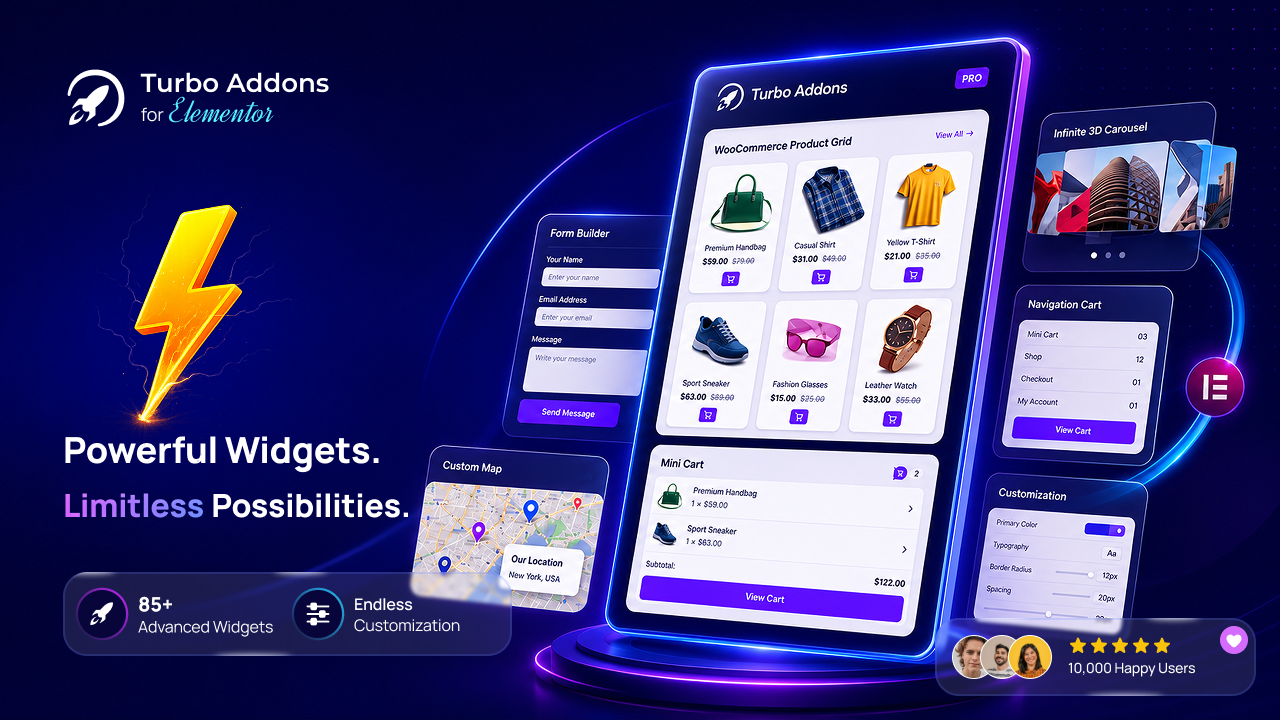
✔️ WooCommerce-ready: product grids, categories, cart buttons, product all details
✔️ 200+ ready-made templates and 100+ ready block/sections
✔️ Full design control with Elementor’s interface
✔️ Lightweight and performance-optimized
✔️ Compatible with both free and Pro Elementor
Whether you’re a designer, developer, or business owner — Turbo Addons gives you everything you need to build better websites, all in one place.
Our Latest Templates
Key Features of Turbo Addons for Elementor
Turbo Addons includes 90+ (more are coming) highly customizable widgets for Elementor, each designed to enhance the functionality of your website:
50 FREE ADVANCED WIDGETS:
- Advanced Accordion – Create responsive FAQ and collapsible content sections in Elementor with text, images, and shortcodes.
- Preview Card – Showcase products, portfolios, or features with stylish interactive preview cards for Elementor.
- Info Box – Highlight key information with modern icon boxes, titles, and descriptions in Elementor.
- Icon Button – Add customizable call-to-action buttons with icons and hover effects in Elementor.
- Social Bar – Display social media icons and profile links beautifully on your Elementor website.
- Dual Header – Design creative dual-style headings and titles with advanced typography options.
- Text Animation – Add animated text effects and engaging headlines to Elementor pages.
- Image Floating Effect – Create eye-catching floating image animations for modern Elementor designs.
- Image Overlay Effect – Add stylish hover overlays and interactive effects to Elementor images.
- Advance Accordion – Organize FAQs, templates, and content sections with advanced accordion layouts.
- Business Hour – Display business opening hours and schedules in a clean responsive layout.
- Top Bar – Add announcement bars, contact info, or promotional messages at the top of your site.
- Team Slider – Showcase team members in a responsive slider with social links and details.
- Image Carousel – Display images, galleries, and showcases with a responsive Elementor carousel.
- Review Star – Add star ratings and customer reviews to build trust and social proof.
- Count Down Timer – Create urgency with animated countdown timers for sales and events.
- Pricing Table – Build responsive pricing tables and subscription plans with Elementor.
- Advanced Heading – Create stylish headings with advanced typography and dual text styles.
- Popular Post – Display trending and popular blog posts automatically in Elementor.
- Section Divider – Separate Elementor sections with creative shape dividers and layouts.
- Food Menu – Create attractive restaurant and cafe food menus with Elementor.
- Single Testimonial – Showcase customer testimonials and reviews in a professional layout.
- Data Table – Create responsive and sortable tables to display structured content easily.
- Photo Stack – Display layered image stacks with creative hover animations in Elementor.
- Image Icon Card – Combine images, icons, text, and buttons in stylish Elementor cards.
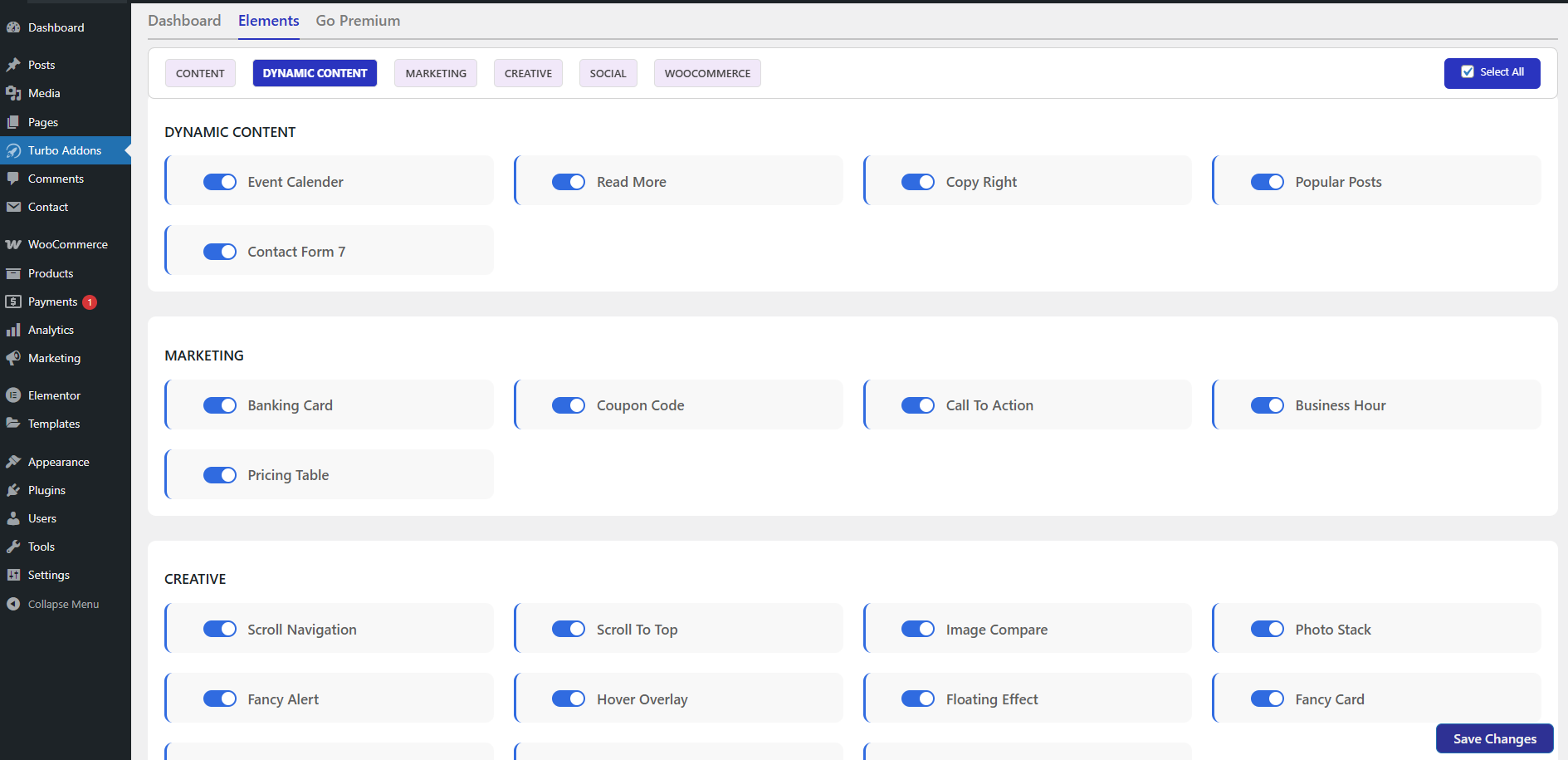
- Banking Card – Showcase virtual banking and payment cards with modern card layouts.
- Google Map – Embed responsive Google Maps with markers and customization options.
- Advanced Search – Add smart search functionality with filters and instant search results.
- Image Compare – Compare before and after images with an interactive slider effect.
- Event Calendar – Display events and schedules in a responsive Elementor calendar layout.
- Scroll To Top – Improve user experience with a smooth scroll-to-top button.
- Scroll Navigation – Create one-page scroll navigation menus with anchor links in Elementor.
- Navigation Menu – Build responsive and customizable navigation menus for Elementor websites.
- Cookie Consent – Add GDPR-ready cookie consent banners with full customization options.
- Contact Form 7 – Style and customize Contact Form 7 forms easily inside Elementor.
- Logo Carousel – Showcase client and brand logos in a responsive carousel slider.
- Counter – Display animated counters for statistics, achievements, and milestones.
- News Ticker – Show scrolling news headlines and announcements with ticker animations.
- Audio Player – Add customizable audio players with playback and volume controls in Elementor.
- Accordion Slider – Create interactive accordion sliders with expandable image and content panels.
- Modal Popup – Display popups for promotions, forms, videos, and announcements in Elementor.
- Metro Grid – Showcase posts and portfolios in stylish metro-style grid layouts.
40+ Pro Widgets:
- Testimonial Slider – Showcase customer testimonials in responsive sliders with modern customizable layouts.
- 3D Carousel – Create interactive 3D carousels for images, content, and showcases in Elementor.
- 3D Flip Box – Add stylish 3D flip animations to content boxes with hover effects in Elementor.
- Timeline – Build responsive timelines, roadmaps, and milestone sections with Elementor.
- Progress Milestones – Display project progress and milestones with animated progress indicators.
- Review Archive – Showcase customer reviews in responsive grid and list layouts for Elementor.
- Post List – Display blog posts and custom content in filterable responsive card layouts.
- Icon List – Create stylish icon lists with flexible layouts and custom Elementor styling.
- Image Vertical Scrolling – Add smooth vertical scrolling image galleries and banners to Elementor pages.
- Category Post Counter – Display category-wise post counts dynamically for blogs and WooCommerce sites.
- Advanced Featured Card – Highlight features and services with animated responsive card designs.
- Hero Slider – Design full-width hero sliders with images, text, buttons, and animations.
- Tour Guide – Create interactive website tours with tooltips and guided walkthroughs.
- PDF Flip Book – Turn PDFs and documents into realistic interactive flipbooks in Elementor.
- Text Gradient – Create eye-catching gradient text effects with advanced typography controls.
- Live Visitor Counter – Show real-time visitor counts to increase trust and engagement.
- CSV Data Table – Convert CSV files into responsive and dynamic HTML data tables easily.
- Advanced Post Filter – Filter blog posts dynamically by categories and subcategories in Elementor.
- Off Canvas – Add sliding off-canvas menus, sidebars, and hidden content panels.
- Advanced Search Pro – Add AJAX-powered live search with filters and instant search results.
- Image Hotspot – Create interactive images with clickable hotspots, tooltips, and links.
- WhatsApp Chat – Add a floating WhatsApp chat button for instant customer communication.
- Post Like Counter – Let users like or dislike posts with live vote counter updates.
- Woo Products Card – Showcase WooCommerce products in stylish responsive card layouts.
- WOO Product Pagination – Add AJAX pagination for smooth WooCommerce product navigation.
- WOO Category – Display WooCommerce categories with images, titles, and product counts.
- WOO Mini Cart – Add a floating WooCommerce mini cart with quick checkout access.
- WOO Product Short Description – Display WooCommerce product short descriptions with custom styles.
- WOO Product Price – Showcase WooCommerce product prices with advanced styling options.
- WOO Product Meta – Display WooCommerce product tags, SKU, and category information beautifully.
- WOO Product Related – Show related WooCommerce products to increase upsells and engagement.
- WOO Product Breadcrumb – Add SEO-friendly WooCommerce breadcrumbs for better product navigation.
- WOO Product Rating – Display WooCommerce product ratings and review counts with star icons.
- WOO Product Stock – Show real-time WooCommerce product stock and availability status.
- WOO Product Navigation – Add previous and next navigation between WooCommerce products easily.
- WOO Product Tabs – Display WooCommerce product tabs with fully customizable Elementor styles.
- WOO Product Image – Showcase WooCommerce product images with zoom and lightbox effects.
- WOO Product Button – Add customizable WooCommerce buy now and product action buttons.
- WOO Product Cart – Display WooCommerce add-to-cart buttons with quantity and icon controls.
Extensions (More Coming Soon):
- Turbo Tooltip Extension – New! Add tooltips to any Elementor widget instantly. Just activate the extension from the Turbo Addons dashboard — no shortcode or coding needed. Once enabled, a Tooltip control panel appears in every Elementor widget for easy setup.
How to Use Turbo Addons for Elementor
-
Add a Widget:
- Open any post or page in the Elementor editor.
- In the Elementor widget panel, locate the Turbo Addons category.
- Drag and drop the desired widget to your section.
-
Customize Widget Settings:
- Click on the widget to open its customization panel.
- Adjust design, layout, and functionality options as needed.
-
Publish or Update:
- After making the desired changes, click
PublishorUpdateto save.
- After making the desired changes, click
Frequently Asked Questions (FAQ)
Q: Is Elementor Pro required to use Turbo Addons?
A: No, you can use all the Turbo Addons widgets with the free version of Elementor. Some advanced features may work better with Elementor Pro.
Q: Where can I get support for Turbo Addons for Elementor?
A: For assistance, please visit our support page or ask questions via the WordPress support forum.
Q: Can I use Turbo Addons on multiple websites?
A: Yes, Turbo Addons for Elementor is licensed under GPL v2 or later, allowing you to use it on unlimited websites.
License
Turbo Addons for Elementor is licensed under the GNU General Public License v2 or later.
Screenshot



Installazione
Follow these steps to install Turbo Addons for Elementor on your WordPress website:
-
Download the Plugin:
- Download the
turbo-addons-elementor.zipfile from the WordPress plugin repository.
- Download the
-
Upload the Plugin:
- Log into your WordPress admin dashboard.
- Navigate to
Plugins>Add New. - Click
Upload Pluginand select theturbo-addons-elementor.zipfile. - Or search on searchbar using keywords with “Turbo Addons Elementor” then click installl.
-
Activate the Plugin:
- Once the installation is complete, click
Activateto enable the plugin.
- Once the installation is complete, click
Recensioni


Contributi e sviluppo
“Turbo Addons Elementor” è un software open source. Le persone che hanno contribuito allo sviluppo di questo plugin sono indicate di seguito.
Collaboratori


Traduci “Turbo Addons Elementor” nella tua lingua.
Ti interessa lo sviluppo?
Esplora il codice segui il repository SVN, segui il log delle modifiche tramite RSS.
Changelog
Version 1.8.16
- ** Update Dashboard: The plugin dashboard now more user friendly.
- ** Compatibility: The plugin now compatible with elementor and wordpress latest version.
Version 1.8.15
- Added Free widgets: Metro Grid, WhatsApp chat, off canvas
- Updated: Upadated the plugin dashboard and tested up to 7.0
Version 1.8.14
- Added Free widgets: Accordion Slider, Modal Popup, Metro Grid
- Tested: Tested and verified for full compatibility with Elementor version 4.0.2
Version 1.8.13
- Tested: Tested and verified for full compatibility with Elementor version 4.0.1.
- Updated: Template gallery and added more new templates.
Version 1.8.12
- Tested: Tested and verified for full compatibility with Elementor version 4.0.0.
- Solved: Fixed template gallery pagination bug that caused filters to reset when navigating between pages.
Version 1.8.11
- Tested: Tested and verified for full compatibility with Elementor version 3.35.7.
- Added: Several new templates.
Version 1.8.10
- Tested: Tested and verified for full compatibility with Elementor version 3.35.3.
- Improved: Plugin performance and security.
Version 1.8.9
- Optimized: Plugin performance, security, and code quality.
- Tested: Tested and verified for full compatibility with Elementor version 3.34.1.
Version 1.8.8
- Added: Post Like Counter widget for user voting and engagement.
- Tested: Tested and verified for full compatibility with Elementor version 3.34.0.
Version 1.8.7
- Improved: Widget features and overall styling consistency
- Solved: Fixed deprecated warnings.
- Tested: Tested and verified compatibility with PHP 8.1 and later versions.
Version 1.8.6
- Improved: Widget features and overall styling consistency
- Solved: Compatibility warnings with the latest versions of WordPress and Elementor.
Version 1.8.5
- Updated: Add query filter inside the template library
- Tested: The plugin has been tested and is fully compatible with the latest version of WordPress, 6.9.
Version 1.8.4
- Added: Modern Trending Widgets for enhanced user engagement.
- Updated: Improved features and functionality of the Pricing Table widget for a more intuitive design experience.
- Updated: Enhanced and refined Carousel & Slider widgets, ensuring smoother transitions and improved performance.
Version 1.8.3
- More flexibility controls across other widgets for improved customization.
- Added several new templates and updated multiple existing ones for better design consistency and performance.
- Overall plugin flexibility and security with better PHPCS compliance and code sanitization.
Version 1.8.2
- Added: New Tooltip Extension for adding tooltips to any Elementor widget directly from the editor — no shortcode or coding required.
- Enhanced: Widget customization options with additional styling and layout controls for greater design freedom.
- Optimized: Plugin performance, security, and code quality with improved PHPCS compliance and input sanitization.
Version 1.8.1
- Updated: Data Table widget with new background, text, and icon color options for header and body.
- Added: More flexibility controls across other widgets for improved customization.
- Improved: Overall plugin flexibility and security with better PHPCS compliance and code sanitization.
Version 1.8.0
- Made Audio Player mobile responsive
- Updated & added features to multiple widgets
- Performance improvements
Version 1.7.9
- Include Audio Player widgets
- Update 10+ widgets features including pricing table, header, cards etc
Version 1.7.8
- Security: Patched a stored XSS vulnerability in the Business Hours widget by implementing strict HTML tag whitelisting.
- Optimized CSS and JS
Version 1.7.7
- Security: Patched all widgets to fix potential vulnerabilities and improve overall plugin safety.
Version 1.7.6
- Added news ticker widget
- Added More Free Templates
- Update Design
Version 1.7.5
- Added counter widget
- Added More Free Templates
- Update Design
- Check upto elementor latest version
Version 1.7.4
- Update Text Animation Widgets:Now Live view in editor mode available
- More flexibility added on info box widgets
- Now have only one Navigation for header
Version 1.7.3
- Fixed: Authenticated Stored XSS vulnerability in widgets (Contributor+ role).
- Improved: Sanitization and escaping in various widgets and admin panel for better security.
- Other minor bug fixes and code improvements.
- Added One widget Logo Carousel
- Added More Templates
Version 1.7.2
- Tested Compatibility: Fully compatible with WordPress 6.8
- New Templates: Added 10+ professionally designed templates
- Improvements: Bug fixes and UI enhancements for a smoother experience
Version 1.7.1
- Updated Template Kit Library
- Added 20+ new block sections
- Updated PDF flip book widgets(pro)
Version 1.7.0
- Updated user dashboard.
Version 1.6.9
- Added More New Templates.
- Enhanced Pricing Table Widget.
- Updated Plugin Dashboard.
- Added More New Woo Widget in Pro Plugin.
Version 1.6.8
- Added Contact Form 7 Widget.
- Added Live visitor counter Widget
- Template library updated – Filter, search, Category
- Widgets updated – Social bar, Fancy Card, Advance Heading
Version 1.6.7
- Added navigation menu widget.
- Updated template Library.
- Improve widgets features and settengs
- Updated widgets deshboard
- Updated typography styles.
Version 1.6.6
- Added 2 free widgets (Image Flip Book, cookie-consent)
- Update UI
- Updated widgets features (Image icon card, icon card, header, testimonial etc)
Version 1.6.5
- Bug Fix and update UI
- Added 1 free widgets
- Added 3 Free Template on turbo addons kit library
Version 1.6.4
- Bug Fix and update UI
Version 1.6.3
- Bug Fix for dashboard
Version 1.6.2
- Added 1 new widget Nav Menu
- Improve Admin Dashboard
Version 1.6.1
- Added 2 new widgets Scroll to Top and Scroll Navigation
- Add New Free Template
Version 1.6.0
- Add 3 new widgets
- Advance Search
- Image Compare
- Event Calender
- Add a Template and Block Library
- Improve Widget UI
Version 1.5.5
- Add new widgets & New Features Update
- Bug fixed and ui improve
Version 1.5.4
- Add 5 new widgets
- Photo Stack,
- Image Icon Card,
- Read More,
- Banking Card,
- Copy Right
Version 1.5.3
- Add 2 new widgets – Data Table, and Icon Card
- Bug fixed and ui improve on single testimonial widgets.
Version 1.5.2
- Unlock 3 new widgets
- Improve 5 widgets
Version 1.5.1
- Updated Elementor Icon for support all version
- Increase Customization Limitation for 5 widgets
- Updated Some Widget UI
Version 1.5.0
- Added 4 new widgets and updated previous widgets, New three widgets are:
- Turbo Testimonial Slider
- Turbo Timeline
- 3D Carousel
- Image Overlay Effects
- Added User Dashboard for make it more user friendly.
Version 1.4.0
- Added 1 new widgets and other features:
- Turbo Review Archive
- Corrected widget names and fixed minor issues.
Version 1.3.0
- Added 6 new widgets:
- Turbo Carousel
- Call To Action
- Turbo Accordion
- Turbo Tooltip
- 3D Flip Box
- Image Floating Effect
Version 1.2.0
- Added 7 new widgets:
- Fancy Card
- Fancy Alert
- Info Box
- Progress Milestones
- Team Slider
- Top Bar
- Business Hour
Version 1.1.0
- Added 6 new widgets:
- Icon Button
- Section Divider
- Social Bar
- Most Top Bar
- Review Star
- Count Down Timer
Version 1.0.0
- Initial release with 6 advanced widgets for Elementor.