

Descrizione
IP Logger for WP Job Manager captures and records the IP address of users who submit job listings through the WP Job Manager plugin. The IP address is stored as post meta and displayed in a custom meta box on the job listing edit screen in the WordPress admin.
Key Features:
– Automatically logs the IP address of job submitters.
– Displays the recorded IP in the WordPress admin interface.
– Lightweight, secure, and developer-friendly.
– Fully translatable with a .pot file included.
Screenshot
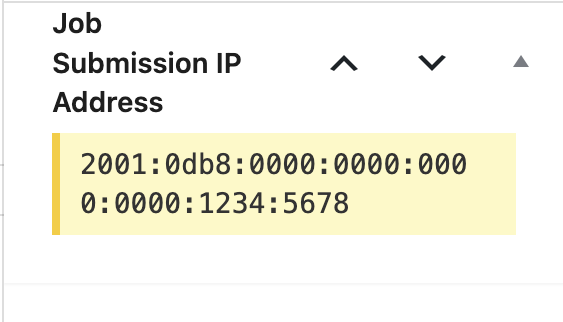
Meta Box – Displays the captured IP address on the job listing edit screen.
Installazione
- Upload the
/ip-logger-for-wp-job-manager/folder to the/wp-content/plugins/directory. - Activate the plugin through the ‘Plugins’ screen in WordPress.
- Make sure WP Job Manager is installed and activated.
- Submit a test job to confirm IP logging works. You’ll see the IP in the job listing edit screen.
FAQ
-
How do I view the recorded IP address?
-
Edit a job listing in the WordPress admin. You’ll find the “Job Submission IP Address” meta box in the right sidebar.
-
Can I translate this plugin?
-
Yes. The plugin uses the
ip-logger-for-wp-job-managertext domain. A.potfile is included in the plugin ZIP for creating translations.
Recensioni
Non ci sono recensioni per questo plugin.
Contributi e sviluppo
“IP Logger for WP Job Manager” è un software open source. Le persone che hanno contribuito allo sviluppo di questo plugin sono indicate di seguito.
Collaboratori
Traduci “IP Logger for WP Job Manager” nella tua lingua.
Ti interessa lo sviluppo?
Esplora il codice segui il repository SVN, segui il log delle modifiche tramite RSS.
Changelog
1.0
- Initial release. Logs and displays the IP address of job submissions.