
Descrizione
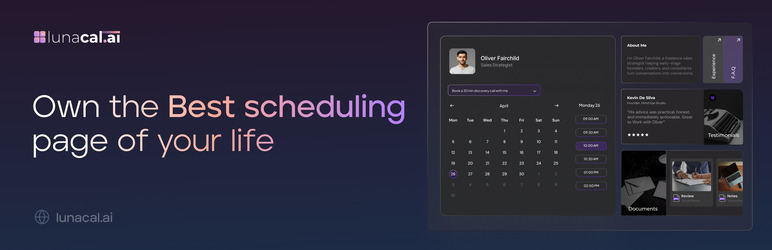
Lunacal allows you to efficiently manage and maintain your calendar.
Embed your branded booking experience directly in WordPress using a simple shortcode.
Features
- Add Lunacal booking calendar to any WordPress page/post with a simple shortcode.
- Customize your booking appearance via your Lunacal dashboard.
- Supports multiple booking links per site.
- Mobile-responsive embed.
Shortcode
[lunacal url=username/meetingid]
url— (required) The partial path to your booking calendar.
Blocchi
Questo plugin fornisce 1 blocco.
- Lunacal Embed
Installazione
- Install the plugin via WordPress dashboard or upload the ZIP file directly.
- Activate the plugin.
- Paste the embed shortcode in a page or post.
- Shortcode format: [lunacal url=username/meeting-name]
- Format:
username/meeting-name
Example: Forhttps://lunacal.ai/john/demo, usejohn/demoin the shortcode.
So the shortcode becomes: [lunacal url=john/demo] - Voila now you have the calendar embedded on your wordpress site.
FAQ
-
Can I use multiple shortcodes on the same page?
-
Yes. Each embed is isolated and loads independently.
-
Can I use the full Lunacal URL in the shortcode?
-
No, use only the path after the domain. For example:
john/demo. -
Where do I customize the appearance of my booking calendar?
-
Inside your Lunacal dashboard.
Recensioni
Non ci sono recensioni per questo plugin.
Contributi e sviluppo
“Lunacal.ai” è un software open source. Le persone che hanno contribuito allo sviluppo di questo plugin sono indicate di seguito.
Collaboratori
Traduci “Lunacal.ai” nella tua lingua.
Ti interessa lo sviluppo?
Esplora il codice segui il repository SVN, segui il log delle modifiche tramite RSS.
Changelog
1.0.0
- Initial release of the Lunacal WordPress embed plugin.