
Descrizione
GeniusTray Video Playlist for YouTube lets you showcase YouTube videos in a beautiful, interactive playlist format on your WordPress site. Whether you want to curate your own collection of videos or automatically display content from a YouTube channel, this plugin makes it simple.
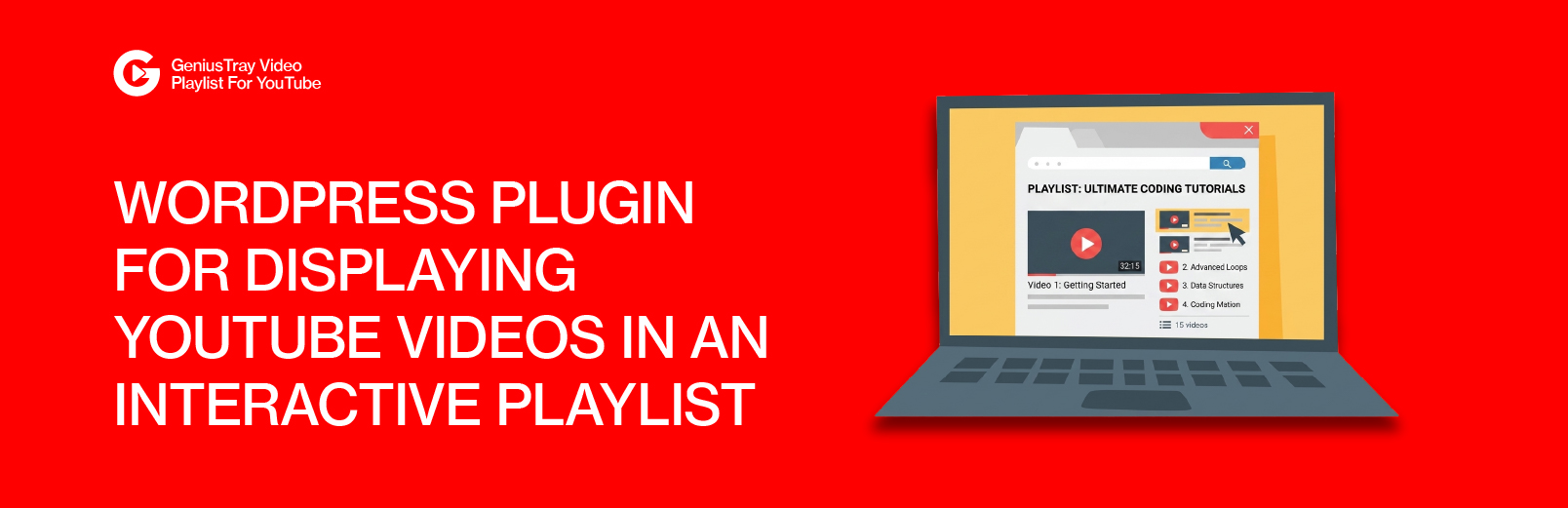
The player interface mimics the familiar YouTube playlist experience – a main video player alongside a scrollable list of videos. Visitors can easily browse and switch between videos without leaving your page.
Two Ways to Create Playlists
Manual Playlists
Create custom playlists by adding YouTube video URLs one by one. Perfect for curated content, course materials, product demonstrations, or any collection where you want complete control over video selection and order.
Channel Playlists
Automatically pull recent videos from any YouTube channel using the YouTube Data API. Great for displaying your own channel content or featuring videos from creators you want to highlight.
Built for Performance
- Assets only load on pages where playlists are displayed
- API responses are cached to minimize external requests
- Responsive design adapts to any screen size
- Clean, semantic HTML output
Developer Friendly
- Object-oriented architecture
- Hooks and filters for customization
- Pluggable helper functions
- Full internationalization support
Features
- Custom Post Type – Manage playlists from a dedicated admin interface
- Drag & Drop Ordering – Easily reorder videos in your playlists
- Shortcode Support – Place playlists anywhere with simple shortcodes
- Channel Integration – Import videos directly from YouTube channels
- Video Duration Display – Show video lengths in the playlist (requires API key)
- Customizable Dimensions – Set default or per-playlist width and height
- Autoplay Option – Automatically start playing when the page loads
- Dark Theme Design – Modern, YouTube-inspired visual style
- Keyboard Navigation – Full accessibility with keyboard controls
- Mobile Responsive – Stacked layout on smaller screens
- Translation Ready – All strings prepared for localization
External services
This plugin relies on third-party services provided by Google (YouTube) to deliver its core functionality. Below is a detailed explanation of each service used, what data is transmitted, when it is transmitted, and links to the relevant terms and policies.
YouTube Data API v3
This plugin connects to the YouTube Data API v3 (https://www.googleapis.com/youtube/v3) to retrieve video and channel information from YouTube.
What data is sent: Your YouTube API key (configured in the plugin settings), YouTube video IDs, and YouTube channel IDs are sent to Google’s servers.
When data is sent:
* When an admin adds a video URL in the playlist editor and the plugin fetches the video title and details via AJAX.
* When a page containing a channel playlist shortcode ([vidtray_channel]) is viewed by a visitor, and the cached data has expired (cache duration is 6 hours).
* When video duration display is enabled and a page containing a playlist shortcode is viewed by a visitor, and the cached duration data has expired.
* When the admin validates the API key in the plugin settings.
This service is only used when a YouTube API key has been configured in the plugin settings. Without an API key, no requests are made to this service.
- Service provider: Google LLC
- YouTube Terms of Service
- Google Privacy Policy
- YouTube API Services Terms of Service
YouTube Video Embeds
This plugin embeds YouTube videos on your site using iframes that load content from YouTube’s servers (https://www.youtube.com/embed/).
What data is sent: When a visitor views a page containing a playlist, their browser makes a direct connection to YouTube’s servers to load the embedded video player. This may include the visitor’s IP address, browser information, and cookies. YouTube may set cookies on the visitor’s browser.
When data is sent: Every time a visitor views a page that contains a playlist shortcode ([vidtray_playlist] or [vidtray_channel]).
- Service provider: Google LLC
- YouTube Terms of Service
- Google Privacy Policy
YouTube Thumbnail Images
This plugin loads video thumbnail images from YouTube’s image servers (https://img.youtube.com/vi/).
What data is sent: When a visitor views a page containing a playlist, their browser makes a direct connection to YouTube’s image servers to load the video thumbnails. This may include the visitor’s IP address and browser information.
When data is sent: Every time a visitor views a page that contains a playlist shortcode.
- Service provider: Google LLC
- YouTube Terms of Service
- Google Privacy Policy
Additional Information
Minimum Requirements
- WordPress 5.8 or higher
- PHP 7.4 or higher
- Modern web browser with JavaScript enabled
Recommended
- YouTube Data API v3 key for full functionality
- PHP 8.0 or higher for best performance
Support
For support questions, please use the WordPress.org support forum. For bug reports and feature requests, you can also reach us at our website.
Contributing
We welcome contributions! The plugin is developed following WordPress coding standards. If you would like to contribute, please get in touch.
Installazione
Automatic Installation
- Log in to your WordPress admin dashboard
- Navigate to Plugins > Add New
- Search for “GeniusTray Video Playlist for YouTube”
- Click “Install Now” and then “Activate”
Manual Installation
- Download the plugin ZIP file
- Log in to your WordPress admin dashboard
- Navigate to Plugins > Add New > Upload Plugin
- Choose the downloaded file and click “Install Now”
- Activate the plugin after installation completes
After Activation
- Go to YT Playlist Settings to configure default options
- (Optional) Add your YouTube API key for channel imports and duration display
- Create your first playlist from YT Playlists > Add New
- Add YouTube video URLs to your playlist
- Copy the shortcode and paste it into any post or page
Getting a YouTube API Key
To use channel imports or display video durations, you need a YouTube Data API v3 key:
- Visit the Google Cloud Console
- Create a new project or select an existing one
- Enable the YouTube Data API v3
- Create an API key under Credentials
- Paste the key into the plugin settings
FAQ
-
Do I need a YouTube API key?
-
An API key is optional but recommended. Without it, you can still create manual playlists with videos you add yourself. With an API key, you can also import videos from YouTube channels and display video durations in the playlist.
-
How do I find a YouTube channel ID?
-
Channel IDs start with “UC” followed by 22 characters. You can find it in the URL when viewing a channel (youtube.com/channel/UCxxxxxxx). If the channel uses a custom URL, you can use online tools to look up the actual channel ID.
-
Can I have multiple playlists on one page?
-
Yes! Each playlist gets a unique identifier, so you can add as many as you need. Keep in mind that multiple video players may affect page performance.
-
Why aren’t my videos showing?
-
Check the following:
– Ensure the YouTube URLs are valid and the videos are publicly accessible
– Verify that embedded playback is allowed for those videos
– If using channel import, confirm your API key is correctly configured -
Can I customize the player appearance?
-
The plugin includes CSS custom properties (variables) that you can override in your theme. A light theme option is also available by adding a CSS class. Future versions will include more built-in customization options.
-
Does this work with page builders?
-
Yes, the shortcodes work with any page builder that supports standard WordPress shortcodes, including Elementor, Beaver Builder, Divi, and others.
-
Is the plugin GDPR compliant?
-
The plugin embeds YouTube videos using standard iframes. YouTube may set cookies when videos are played. Consider adding appropriate disclosures to your privacy policy. The plugin itself does not collect any user data.
-
How do I report bugs or request features?
-
Please visit our support forum on WordPress.org or contact us through our website. We appreciate all feedback and work to address issues promptly.
Recensioni
Non ci sono recensioni per questo plugin.
Contributi e sviluppo
“GeniusTray Video Playlist for YouTube” è un software open source. Le persone che hanno contribuito allo sviluppo di questo plugin sono indicate di seguito.
Collaboratori
Traduci “GeniusTray Video Playlist for YouTube” nella tua lingua.
Ti interessa lo sviluppo?
Esplora il codice segui il repository SVN, segui il log delle modifiche tramite RSS.
Changelog
1.0.0
Release Date: 2024
- Initial public release
- Custom post type for playlist management
- Manual playlist creation with repeatable video fields
- Drag and drop video reordering
- YouTube channel video import via API
- Shortcodes for manual and channel playlists
- Settings page with tabbed interface
- Default dimensions and autoplay options
- Video duration display (requires API key)
- Dark theme with YouTube-inspired design
- Responsive layout for mobile devices
- Keyboard navigation support
- Translation-ready strings