
Descrizione
Custom Post Type UI provides an easy-to-use interface for registering and
managing custom post types and taxonomies for your WordPress website — no
coding required.
Used by more than 1,000,000 active WordPress sites, CPTUI is the trusted
foundation for building structured content in WordPress. Whether you are
creating a portfolio, events calendar, product catalog, staff directory, or
any other custom content type, CPTUI gives you the tools to define it quickly
and correctly.
Ready to go further? Meet CPT UI Pro
CPTUI handles registration. CPT UI Pro handles everything else.
CPT UI Pro
is the official premium add-on built by the same WebDevStudios team that
created and maintains this plugin. It extends CPTUI into a complete content
operations stack — front-end display blocks, admin list table controls,
multisite management, and a full developer API.
Front-end display tools
- Ten built-in layout options: Default, List, Single Post Type, Taxonomy
List, Post Slider, Post Cards, Featured Plus, Grid, and Grid With Overlay - Taxonomy Filter Blocks so visitors can filter content by term
- Single Post Block Templates to control individual post output
- Shortcode Builder for reusable, configurable display output
Admin list table management
- Column Builder with drag-and-drop column control for any post type
- Advanced Filters by taxonomy, meta field, date, author, and status
- Screen Options Panel for per-user admin table visibility
Multisite management
- Network-level CPT registration from one central location
- Push config to subsites to keep site structures consistent
- Per-site inheritance control for flexible network governance
Developer-focused workflow
cptui_pro_post_typesfilter to merge, modify, or replace registrations- Auto-discovery hooks so themes and plugins can register CPTs without
manual setup - Programmatic registration API for JSON-driven or CI-driven workflows
- Extended REST API support on top of core CPTUI REST capabilities
Get CPT UI Pro at Pluginize.com
Plugin development
Custom Post Type UI development is managed on GitHub, with official releases
published on WordPress.org. The GitHub repo can be found at
https://github.com/WebDevStudios/custom-post-type-ui.
Please use the WordPress.org support tab for potential bugs, issues, or
enhancement ideas.
Screenshot
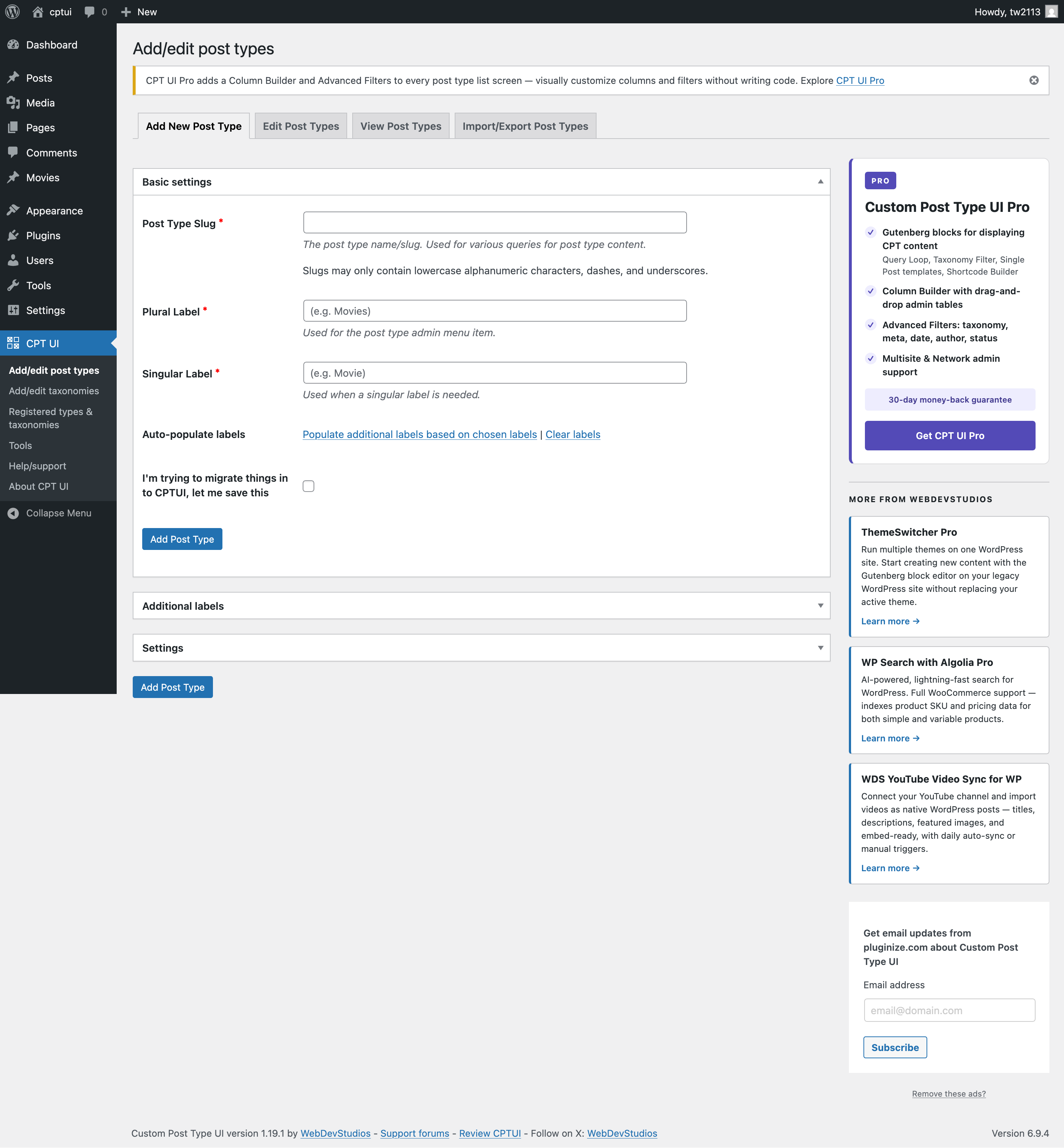
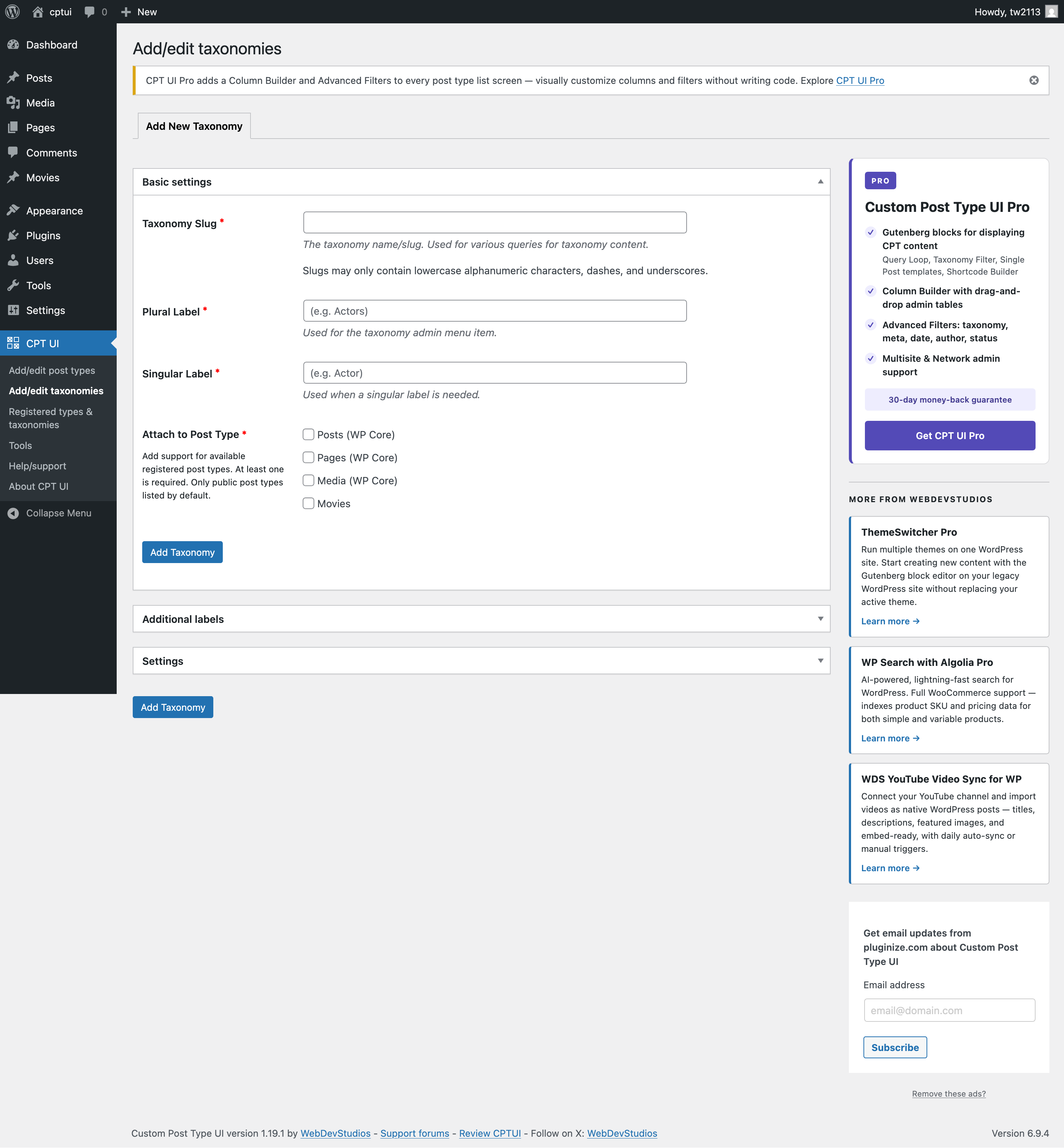
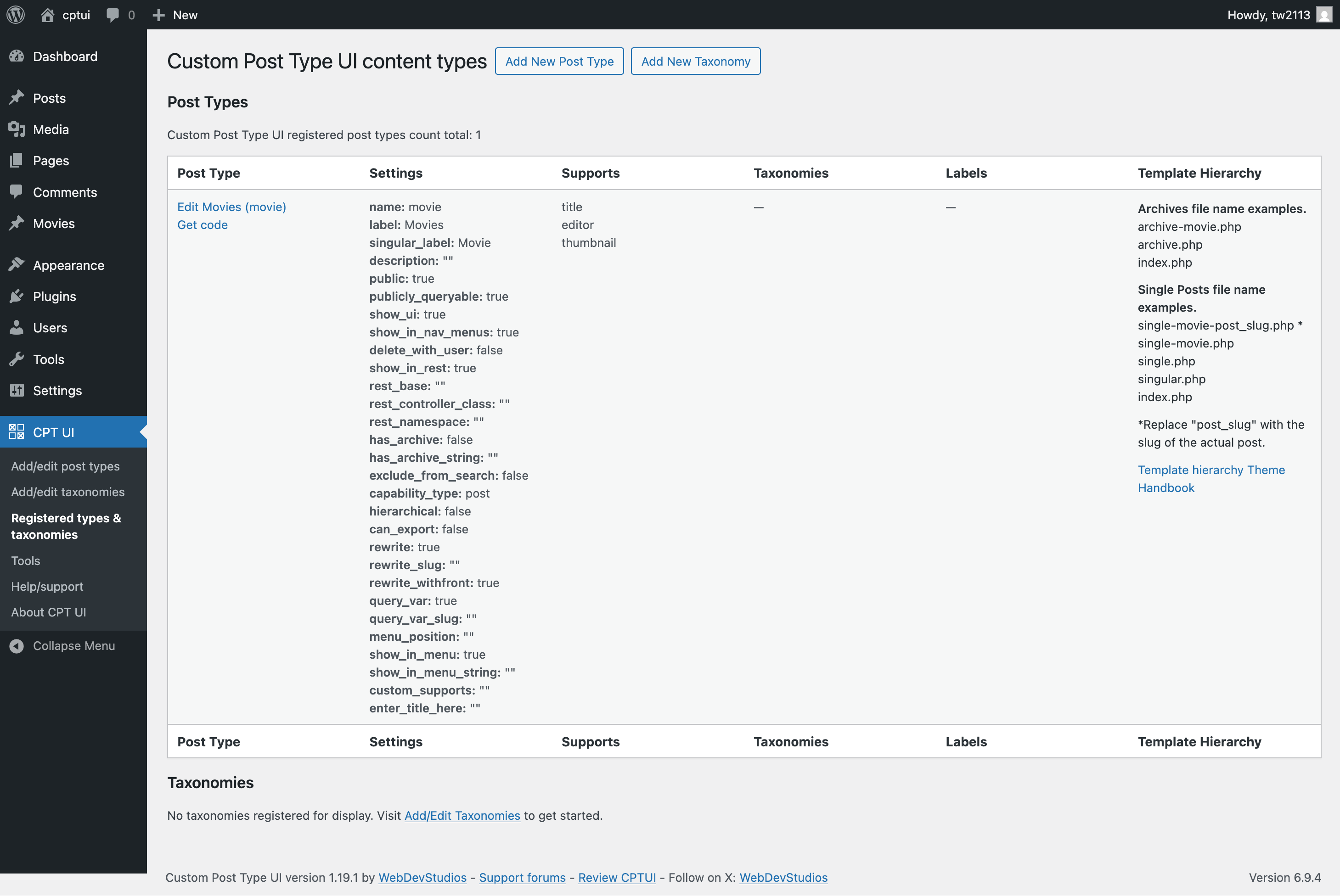
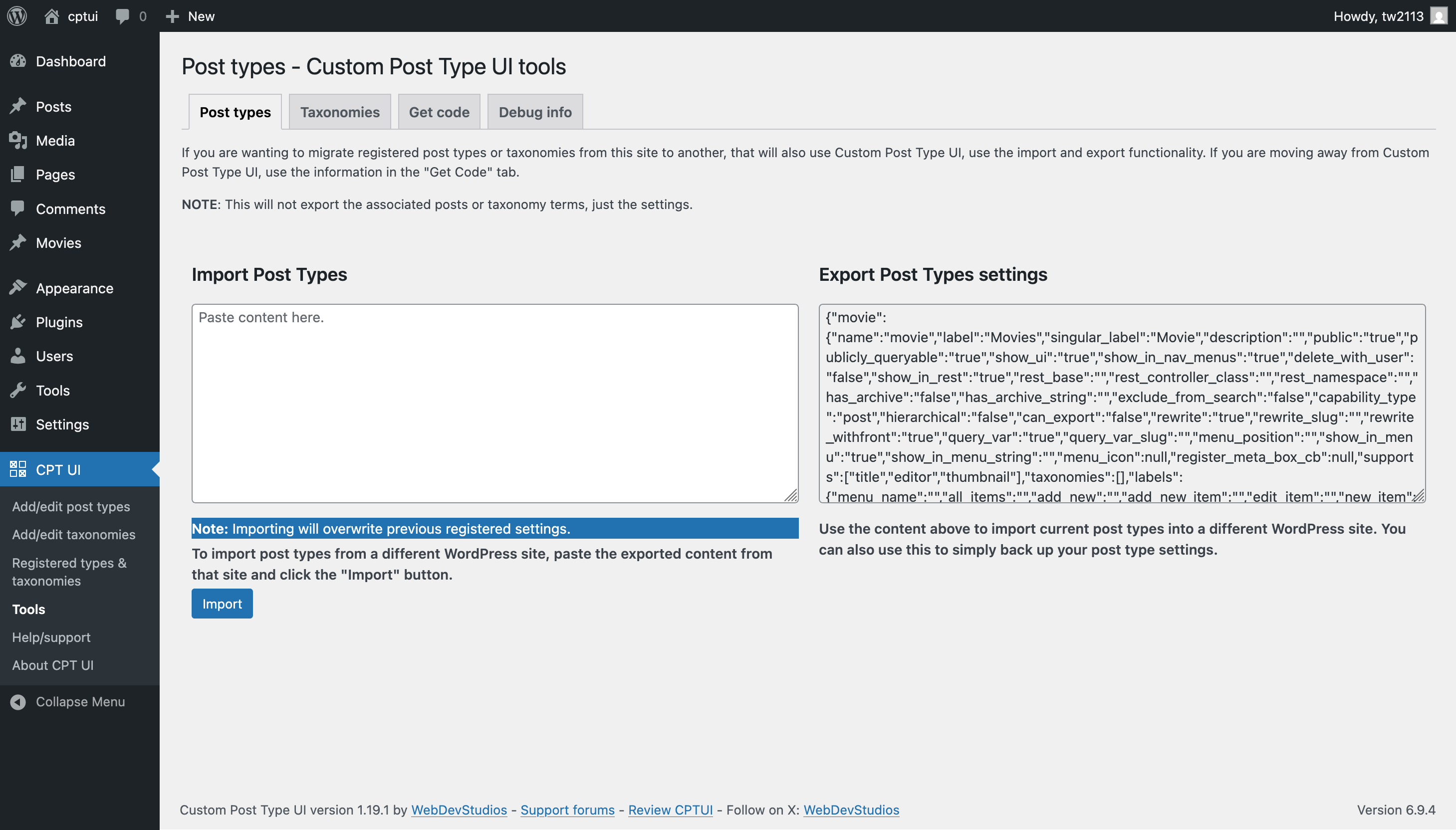
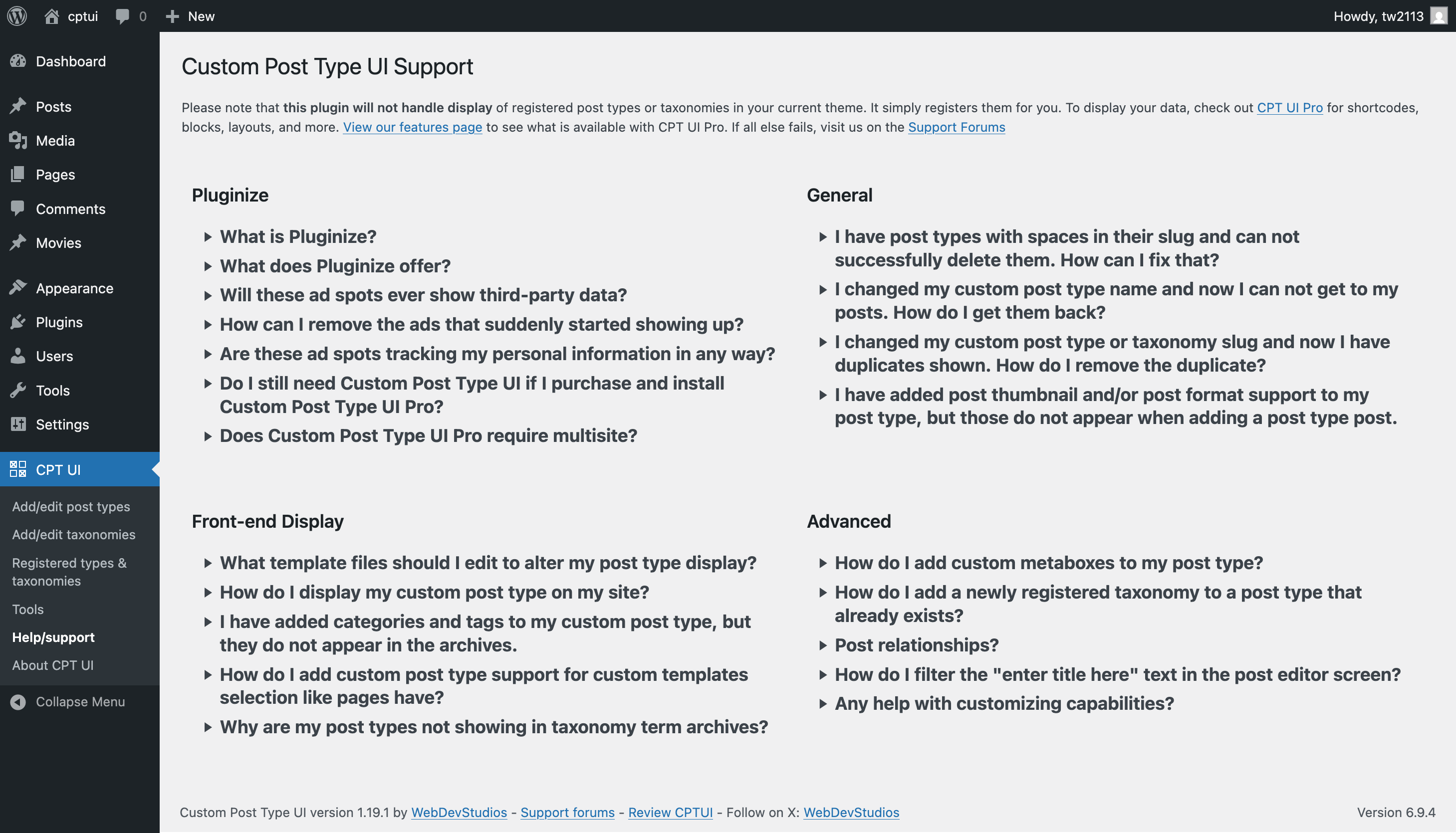
Installazione
Admin installer via search
- Visita la pagina Aggiungi nuovo plugin e cerca “custom post type ui”.
- Fai clic sul pulsante “Installa ora”.
- Attiva il plugin.
- Navigate to the “CPTUI” menu.
Admin installer via zip
- Visit the Add New plugin screen and click the “Upload Plugin” button.
- Click the “Browse…” button and select the zip file from your computer.
- Click “Install Now” button.
- Once done uploading, activate Custom Post Type UI.
Manuale
- Upload the Custom Post Type UI folder to the plugins directory in your WordPress installation.
- Attiva il plugin.
- Navigate to the “CPTUI” menu.
That’s it! Now you can easily start creating custom post types and taxonomies in WordPress.
FAQ
-
Where is the user documentation?
-
Please see https://docs.pluginize.com/tutorials/custom-post-type-ui/
-
I registered my post types — how do I display them on the front end?
-
The free CPTUI plugin handles registration. To display your custom content
with block editor layouts, filters, and templates, check out
CPT UI Pro. -
Does CPT UI Pro require this free plugin?
-
No. CPT UI Pro does not require Custom Post Type UI (free), but pairs great. Your existing post type and taxonomy content integrates automatically
— no migration needed. -
Will the free plugin continue to be maintained?
-
Absolutely. Custom Post Type UI will always be free and actively maintained.
CPT UI Pro is an optional add-on for users who want to go further. -
Does CPT UI Pro work with multisite?
-
Yes. CPT UI Pro includes dedicated multisite support with network-level
registration, config push to subsites, and per-site inheritance controls.
Recensioni


Contributi e sviluppo
“Custom Post Type UI” è un software open source. Le persone che hanno contribuito allo sviluppo di questo plugin sono indicate di seguito.
Collaboratori


“Custom Post Type UI” è stato tradotto in 22 lingue. Grazie a chi traduce per il contributo.
Traduci “Custom Post Type UI” nella tua lingua.
Ti interessa lo sviluppo?
Esplora il codice segui il repository SVN, segui il log delle modifiche tramite RSS.
Changelog
1.19.3 – 2026-07-14
- Fixed: Debug info email failing to send due to nonce field name being passed to
wp_verify_nonce()instead of the nonce field value. Props @thisismyurl. - Fixed: Export textareas for post types and taxonomies outputting unescaped content; use
esc_textarea()for correct HTML encoding. Props @thisismyurl. - Updated: Revised how we’re registering strings with WPML for better performance.
1.19.2 – 2026-05-07
- Fixed: JS error with changed icon picker on settings pages without an icon picker.
- Updated: CPTUI-Extended promotion has been changed to CPTUI-Pro new addon.
1.19.1 – 2026-05-04
- Fixed: Escaped output on get code tab when no content types registered.
- Fixed: Force lowercase slugs on server side during save.
- Updated: Extra WPML support for labels.
- Updated: Pro product upsells.
1.19.0 – 2026-04-23
- Added: Support for “Filter by category” and “Filter by date” labels. Thanks aloMalbarez.
- Fixed: PHP notices from upsell notification display check.
- Updated: Various capitalization for CPTUI submenu labels.
- Updated: developer.wordpress.org URLs that had redirects.
- Updated: jQuery-less Dashicon picker.
1.18.3 – 2026-01-08
- Fixed: Remove double escaping in tools section for some output.
- Added: Dismissable upsell notifications for CPTUI Pro.
1.18.2 – 2025-12-05
- Fixed: Security issue around Get Code functionality.
- Fixed: Potential security issue around post type descriptions.
- Updated: Various internationalization details.
1.18.1 – 2025-11-20
- Fixed: Potential authorization access issues around content type modification.
- Fixed: JS issue regarding warning user when changing content type slugs.
- Updated: Revised “new tab” and rel=”noopener” link behavior and attributes.
- Updated: Cleaned up CPTUI About screen.
1.18.0 – 2025-07-29
- Added: “template_name” label support.
- Fixed: Typo in “games” Dashicon classname.
- Updated: CPTUI admin ad graphics. Added ThemeSwitcher Pro.
- Updated: Touched up some label usage for post type registration screen.