

Descrizione
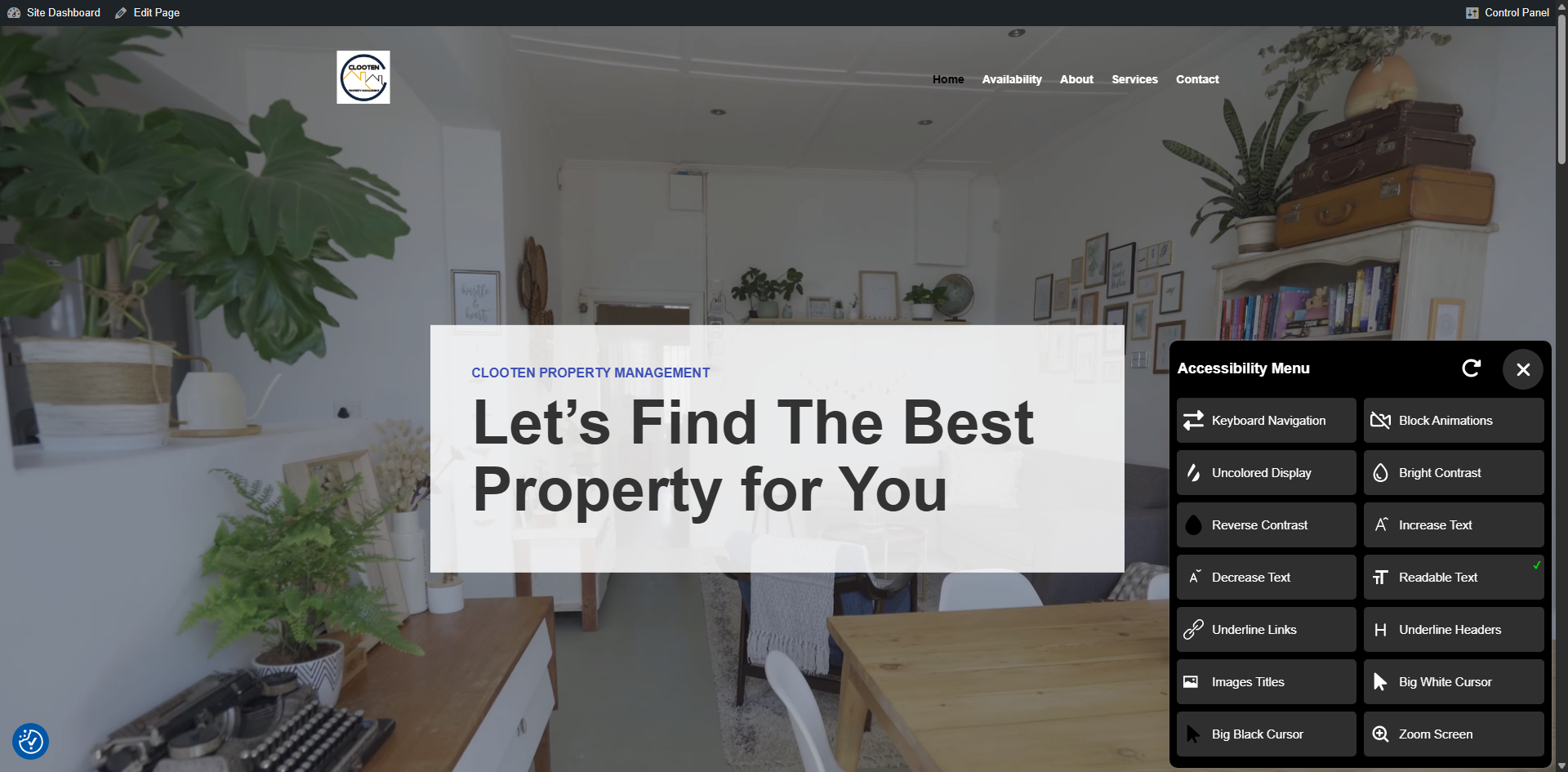
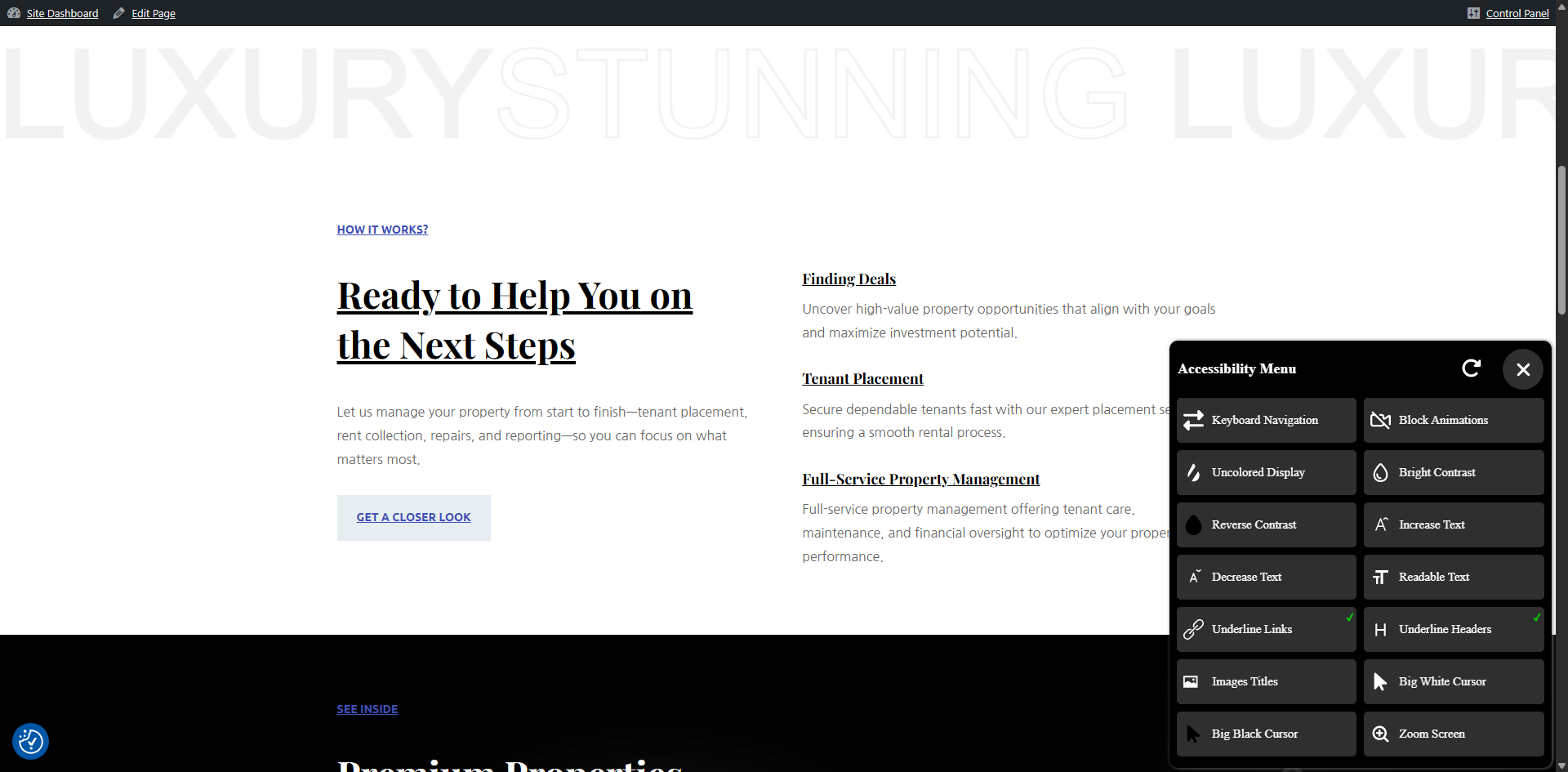
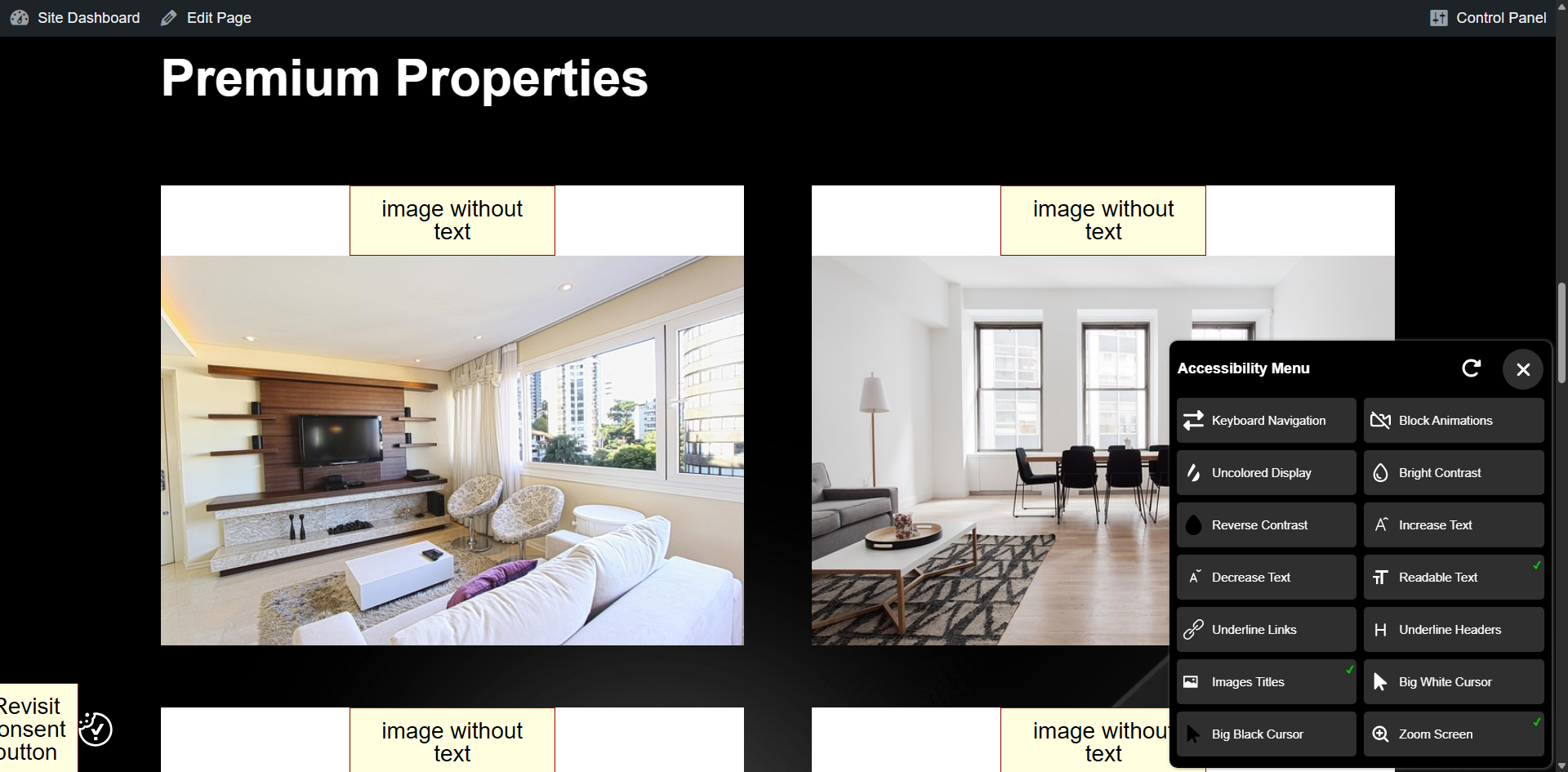
Easy Accessibility plugin allows you to display a accessibility tool on your WordPress website. This plugin creates a more accessible browsing experience for your site users. It helps with increasing compliance with WCAG 2.1, ATAG 2.0, European EN 301 549, ADA, & Section 508 requirements.
Disclaimer
Easy Accessibility plugin is not intended to provide guarantee of making your site compatible with any accessibility guidelines.
Some features may conflict with your active theme or another plugin.
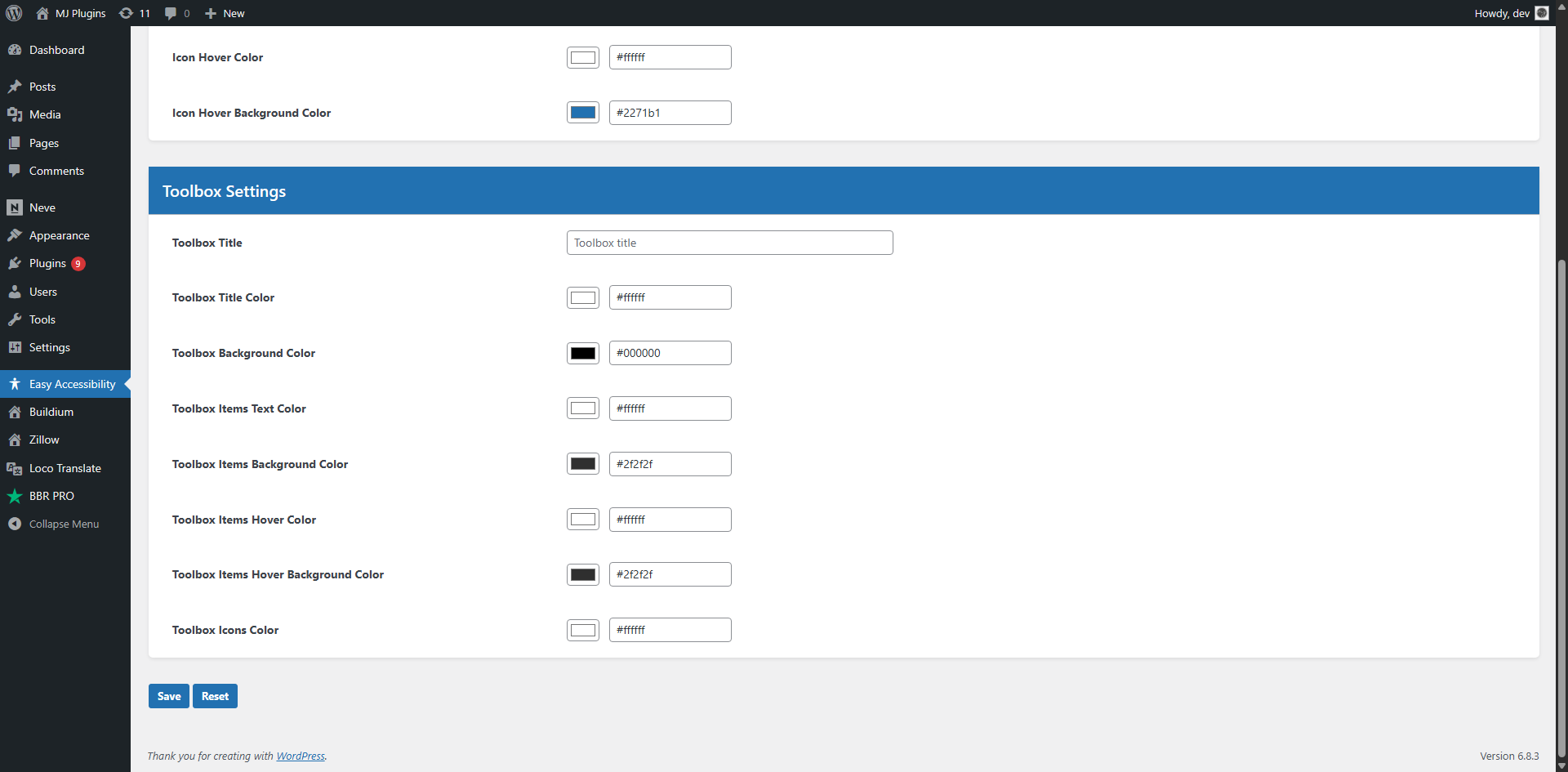
Screenshot
Installazione
You can install the Plugin in two ways.
WordPress interface installation
- Go to plugins in the WordPress admin and click on “Add new”.
- In the Search box enter “Easy Accessibility” and press Enter.
- Click on “Install” to install the plugin.
- Activate the plugin.
Manual installation
- Download and upload the plugin files to the /wp-content/plugins/easy-accessibility directory from the WordPress plugin repository.
- Activate the plugin through the “Plugins” screen in WordPress admin area.
FAQ
-
How to add accessibility toolbar to WordPress?
-
Install and configure Easy Accessibility plugin on your WordPress website and the toolbar should appear automatically.
-
Where is the Settings page?
-
There is no settings page. You simply install and activate the plugin. The toolbar should appear on the frontend.
Recensioni
Non ci sono recensioni per questo plugin.
Contributi e sviluppo
“Easy Accessibility” è un software open source. Le persone che hanno contribuito allo sviluppo di questo plugin sono indicate di seguito.
Collaboratori

Traduci “Easy Accessibility” nella tua lingua.
Ti interessa lo sviluppo?
Esplora il codice segui il repository SVN, segui il log delle modifiche tramite RSS.
Changelog
0.1.3
- 2026-09-20
- Tested upto latest WP version
0.1.2
- 2025-11-07
- Improved design.
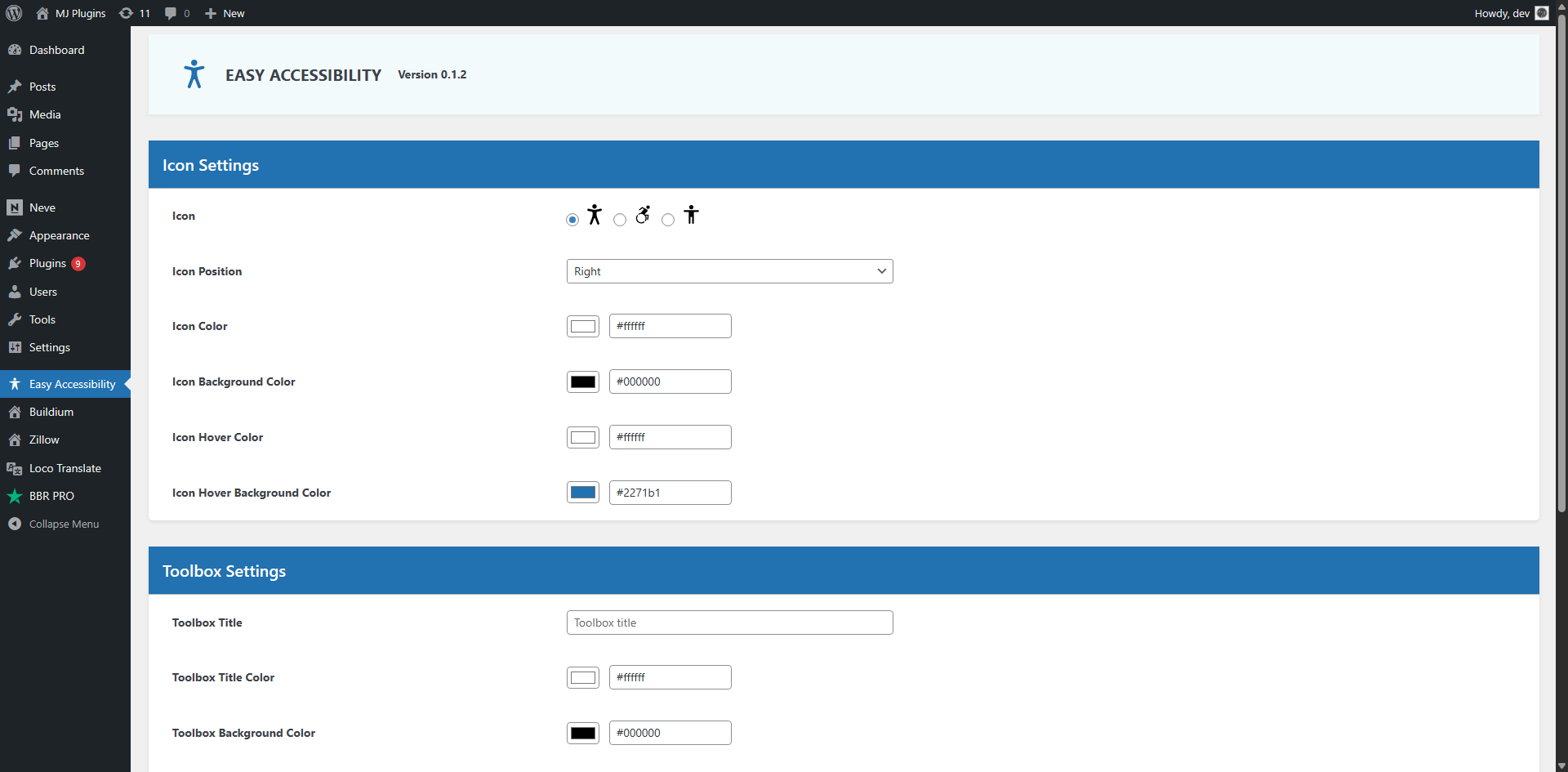
- Added customization options in WP admin area.
0.1.1
- 2024-07-20
- Updated js files and other fixes.
0.1.0
- 2024-06-10
- Initial version.